npm i -g @valknarthing/llmx
or brew install --cask llmx
LLMX CLI is a coding agent powered by LiteLLM that runs locally on your computer.
This project is a community fork with enhanced support for multiple LLM providers via LiteLLM.
Original project: github.com/openai/llmx
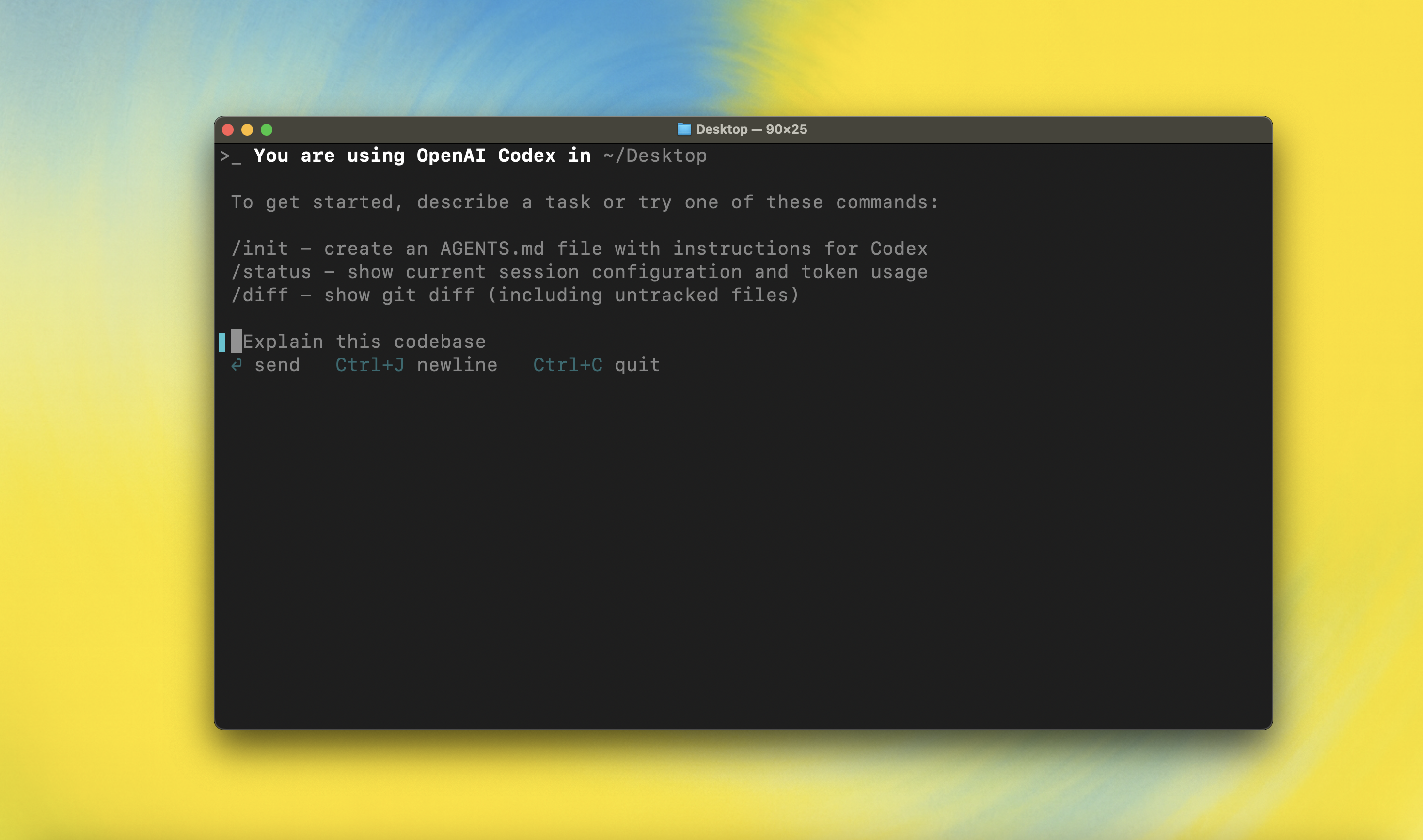
---
## Quickstart
### Installing and running LLMX CLI
Install globally with your preferred package manager. If you use npm:
```shell
npm install -g @valknarthing/llmx
```
Alternatively, if you use Homebrew:
```shell
brew install --cask llmx
```
Then simply run `llmx` to get started:
```shell
llmx
```
If you're running into upgrade issues with Homebrew, see the [FAQ entry on brew upgrade llmx](./docs/faq.md#brew-upgrade-llmx-isnt-upgrading-me).
You can also go to the latest GitHub Release and download the appropriate binary for your platform.
Each GitHub Release contains many executables, but in practice, you likely want one of these:
- macOS
- Apple Silicon/arm64: `llmx-aarch64-apple-darwin.tar.gz`
- x86_64 (older Mac hardware): `llmx-x86_64-apple-darwin.tar.gz`
- Linux
- x86_64: `llmx-x86_64-unknown-linux-musl.tar.gz`
- arm64: `llmx-aarch64-unknown-linux-musl.tar.gz`
Each archive contains a single entry with the platform baked into the name (e.g., `llmx-x86_64-unknown-linux-musl`), so you likely want to rename it to `llmx` after extracting it.
### Using LLMX with LiteLLM
LLMX is powered by [LiteLLM](https://docs.litellm.ai/), which provides access to 100+ LLM providers including OpenAI, Anthropic, Google, Azure, AWS Bedrock, and more.
**Quick Start with LiteLLM:**
```bash
# Set your LiteLLM server URL (default: http://localhost:4000/v1)
export LITELLM_BASE_URL="http://localhost:4000/v1"
export LITELLM_API_KEY="your-api-key"
# Run LLMX
llmx "hello world"
```
**Configuration:** See [LITELLM-SETUP.md](./LITELLM-SETUP.md) for detailed setup instructions.
You can also use LLMX with ChatGPT or OpenAI API keys. For authentication options, see the [authentication docs](./docs/authentication.md).
### Model Context Protocol (MCP)
LLMX can access MCP servers. To configure them, refer to the [config docs](./docs/config.md#mcp_servers).
### Configuration
LLMX CLI supports a rich set of configuration options, with preferences stored in `~/.llmx/config.toml`. For full configuration options, see [Configuration](./docs/config.md).
---
### Docs & FAQ
- [**Getting started**](./docs/getting-started.md)
- [CLI usage](./docs/getting-started.md#cli-usage)
- [Slash Commands](./docs/slash_commands.md)
- [Running with a prompt as input](./docs/getting-started.md#running-with-a-prompt-as-input)
- [Example prompts](./docs/getting-started.md#example-prompts)
- [Custom prompts](./docs/prompts.md)
- [Memory with AGENTS.md](./docs/getting-started.md#memory-with-agentsmd)
- [**Configuration**](./docs/config.md)
- [Example config](./docs/example-config.md)
- [**Sandbox & approvals**](./docs/sandbox.md)
- [**Authentication**](./docs/authentication.md)
- [Auth methods](./docs/authentication.md#forcing-a-specific-auth-method-advanced)
- [Login on a "Headless" machine](./docs/authentication.md#connecting-on-a-headless-machine)
- **Automating LLMX**
- [GitHub Action](https://github.com/valknar/llmx-action)
- [TypeScript SDK](./sdk/typescript/README.md)
- [Non-interactive mode (`llmx exec`)](./docs/exec.md)
- [**Advanced**](./docs/advanced.md)
- [Tracing / verbose logging](./docs/advanced.md#tracing--verbose-logging)
- [Model Context Protocol (MCP)](./docs/advanced.md#model-context-protocol-mcp)
- [**Zero data retention (ZDR)**](./docs/zdr.md)
- [**Contributing**](./docs/contributing.md)
- [**Install & build**](./docs/install.md)
- [System Requirements](./docs/install.md#system-requirements)
- [DotSlash](./docs/install.md#dotslash)
- [Build from source](./docs/install.md#build-from-source)
- [**FAQ**](./docs/faq.md)
- [**Open source fund**](./docs/open-source-fund.md)
---
## License
This repository is licensed under the [Apache-2.0 License](LICENSE).