# Utility Scripts Collection
> Comprehensive documentation with usage examples and demos
This documentation was auto-generated using [`doc_bash_generate.sh`](https://github.com/yourusername/yourrepo).
## Table of Contents
- [`artifact_github_download.sh`](#artifact-github-download-sh)
- [`artifact_postgres_export.sh`](#artifact-postgres-export-sh)
- [`css_color_filter.sh`](#css-color-filter-sh)
- [`css_color_palette.sh`](#css-color-palette-sh)
- [`css_json_convert.sh`](#css-json-convert-sh)
- [`doc_bash_generate.sh`](#doc-bash-generate-sh)
- [`doc_rust_generate.sh`](#doc-rust-generate-sh)
- [`jinja_template_render.sh`](#jinja-template-render-sh)
- [`mime_mp4_gif.sh`](#mime-mp4-gif-sh)
---
## `artifact_github_download.sh`
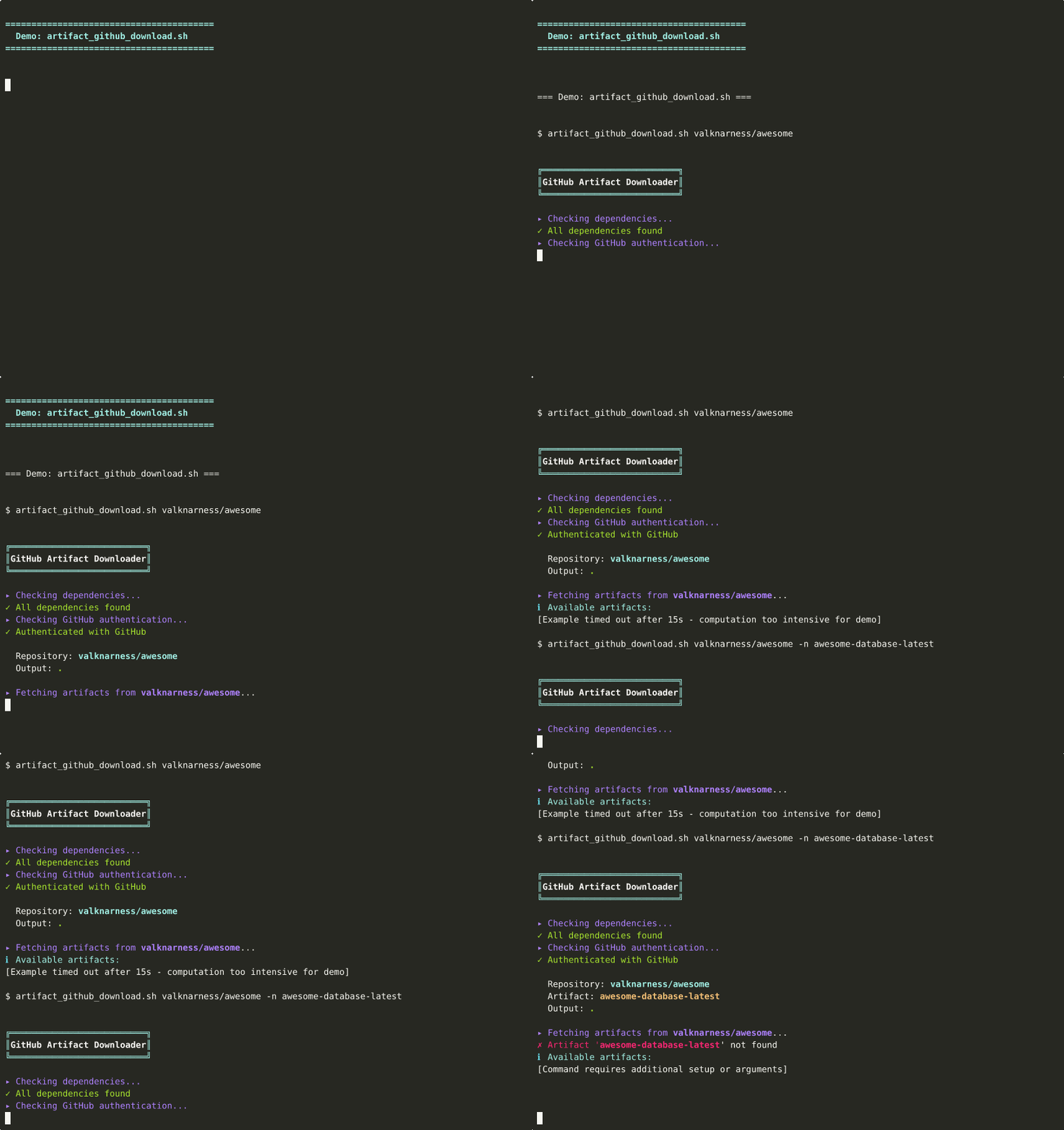
GitHub Artifact Downloader
### Demo
### Usage
```bash
artifact_github_download.sh [OPTIONS] [ARGUMENTS]
```
### Options
Click to expand full help output
```
GitHub Artifact Downloader
USAGE:
artifact_github_download.sh [OPTIONS]
ARGUMENTS:
REPO GitHub repository (owner/repo)
OPTIONS:
-n, --name NAME Artifact name to download (preselect)
-o, --output DIR Output directory (default: current directory)
-h, --help Show this help message
EXAMPLES:
# Interactive mode - list and select artifacts
artifact_github_download.sh valknarness/awesome
# Preselect artifact by name
artifact_github_download.sh valknarness/awesome -n awesome-database-latest
# Download to specific directory
artifact_github_download.sh valknarness/awesome -o ~/downloads
# Combine options
artifact_github_download.sh valknarness/awesome -n awesome-database-latest -o ~/downloads
```
### Examples
```bash
# Interactive mode - list and select artifacts
artifact_github_download.sh valknarness/awesome
# Preselect artifact by name
artifact_github_download.sh valknarness/awesome -n awesome-database-latest
# Download to specific directory
artifact_github_download.sh valknarness/awesome -o ~/downloads
# Combine options
artifact_github_download.sh valknarness/awesome -n awesome-database-latest -o ~/downloads
```
---
## `artifact_postgres_export.sh`
Export code artifacts from Open WebUI PostgreSQL database
### Usage
```bash
artifact_postgres_export.sh [OPTIONS]
```
### Arguments
- `chat_id` - Chat ID from Open WebUI URL (UUID format)
- `output_dir` - Directory to save extracted code files (optional, defaults to current directory)
### Options
Click to expand full help output
```
artifact_postgres_export.sh - Export code artifacts from Open WebUI PostgreSQL database
Usage: artifact_postgres_export.sh [OPTIONS]
Arguments:
chat_id Chat ID from Open WebUI URL (e.g., e135d74e-5b43-4b24-a651-e999f103942b)
output_dir Directory to save extracted code files
Options:
-h, --help Show this help message
-H, --host HOST PostgreSQL host (default: ai_postgres via Docker)
-u, --user USER PostgreSQL user (default: ai)
-d, --db DATABASE PostgreSQL database (default: openwebui)
-v, --verbose Verbose output
--remote HOST SSH remote host for Docker access (default: vps)
-f, --force Force export even if output directory is not empty
Examples:
artifact_postgres_export.sh e135d74e-5b43-4b24-a651-e999f103942b ~/Projects/rust/piglet
artifact_postgres_export.sh --remote vps abc123def456 ./output
```
### Examples
```bash
# Export chat to local directory
artifact_postgres_export.sh e135d74e-5b43-4b24-a651-e999f103942b ~/Projects/rust/piglet
# Export from remote server
artifact_postgres_export.sh --remote vps abc123def456 ./output
# Force export to non-empty directory
artifact_postgres_export.sh -f e135d74e-5b43-4b24-a651-e999f103942b ./output
# Verbose output with custom database
artifact_postgres_export.sh -v -d custom_db abc123def456 ./output
```
### Features
- **Direct PostgreSQL access** via Docker exec (SSH-enabled for remote servers)
- **Automatic filename detection** from markdown headers (e.g., `### src/main.rs`)
- **Directory structure preservation** - maintains original paths like `src/parser/duration.rs`
- **Safety checks** - validates chat ID format and checks for empty output directory
- **Colored output** - uses ANSI colors for better readability
- **Smart code extraction** - parses markdown code blocks with language detection
- **File extension mapping** - supports 20+ file types (Rust, Python, JavaScript, etc.)
---
## `css_color_filter.sh`
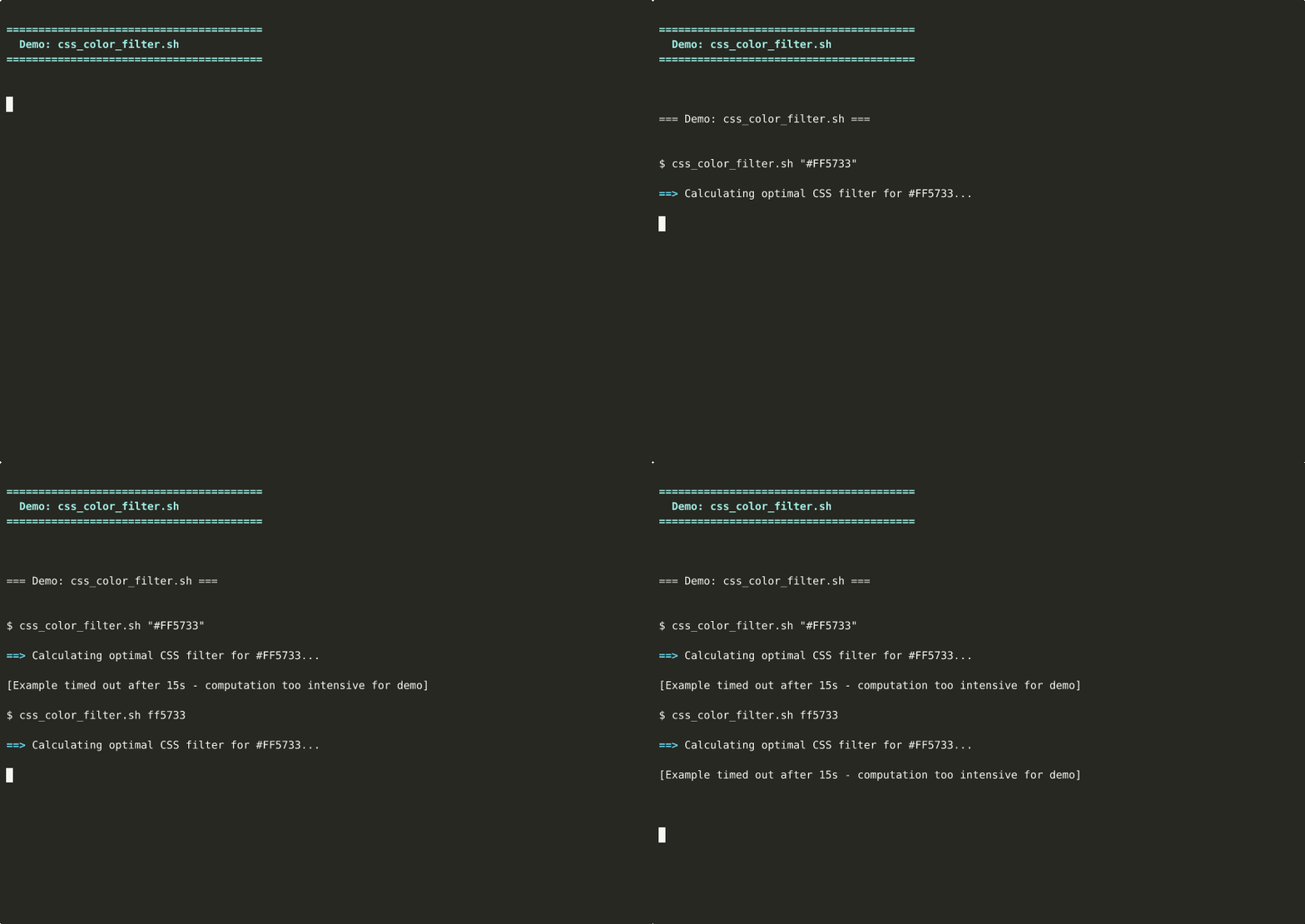
CSS Color Filter Generator
### Demo
### Usage
```bash
css_color_filter.sh [OPTIONS] [ARGUMENTS]
```
### Options
Click to expand full help output
```
CSS Color Filter Generator
Generate CSS filter values to transform black elements into any target color.
USAGE:
css_color_filter.sh [OPTIONS] [COLOR]
ARGUMENTS:
COLOR Hex color (e.g., #FF0000, ff0000) or RGB (e.g., 255,0,0)
OPTIONS:
-i, --interactive Interactive mode with colored preview
-r, --raw Output only the CSS filter (for piping)
-c, --copy Copy result to clipboard automatically
-h, --help Show this help message
EXAMPLES:
css_color_filter.sh "#FF5733"
css_color_filter.sh ff5733
css_color_filter.sh "255,87,51"
css_color_filter.sh -i
NOTE:
This tool generates filters that work on black elements.
To use with non-black elements, prepend: brightness(0) saturate(100%)
ALGORITHM:
Uses SPSA (Simultaneous Perturbation Stochastic Approximation) to find
optimal filter combinations that minimize color difference in RGB and HSL.
DEPENDENCIES:
bc For floating-point arithmetic
jq For JSON formatting (optional)
```
### Examples
```bash
css_color_filter.sh "#FF5733"
css_color_filter.sh ff5733
css_color_filter.sh "255,87,51"
css_color_filter.sh -i
```
---
## `css_color_palette.sh`
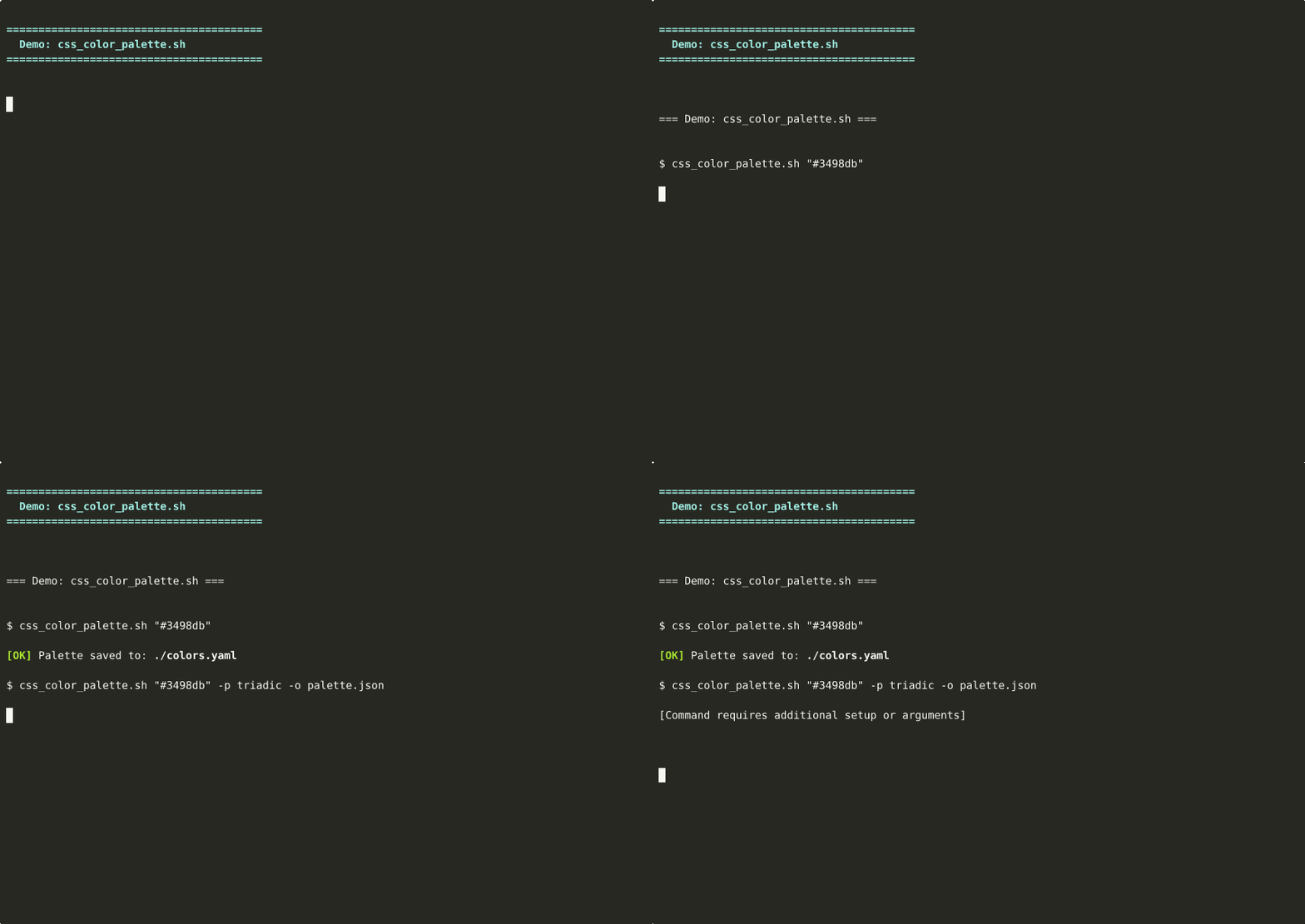
CSS Color Palette Generator (Pure Bash)
### Demo
### Usage
```bash
css_color_palette.sh [OPTIONS] [ARGUMENTS]
```
### Options
Click to expand full help output
```
CSS Color Palette Generator (Pure Bash)
Generate comprehensive color palettes without Node.js dependencies.
USAGE:
css_color_palette.sh COLOR [OPTIONS]
ARGUMENTS:
COLOR Base hex color (e.g., #3498db, 3498db)
OPTIONS:
-p, --palette TYPE Palette type: monochromatic, analogous, complementary,
split-complementary, triadic, tetradic
-o, --output FILE Output file (default: ./colors.yaml)
-m, --mode MODE Color mode: light, dark (default: light)
-s, --style STYLE Style: shades, tints, tones, all (default: all)
-n, --name NAME Palette name (default: auto-generated)
--scales N Number of scale steps (default: 11)
-i, --interactive Interactive mode
-v, --verbose Verbose output with color preview
-h, --help Show this help message
DEPENDENCIES:
bc For floating-point arithmetic
EXAMPLES:
css_color_palette.sh "#3498db"
css_color_palette.sh "#3498db" -p triadic -o palette.json
css_color_palette.sh "ff5733" -p analogous -m dark
```
### Examples
```bash
css_color_palette.sh "#3498db"
css_color_palette.sh "#3498db" -p triadic -o palette.json
css_color_palette.sh "ff5733" -p analogous -m dark
```
---
## `css_json_convert.sh`
USAGE:
### Demo
### Usage
```bash
css_json_convert.sh [OPTIONS] [ARGUMENTS]
```
### Options
Click to expand full help output
```
================================================================
CSS Variable to JSON/YAML Converter
Extract CSS custom properties with ease
================================================================
USAGE:
css_json_convert.sh [OPTIONS]
DESCRIPTION:
Extracts CSS custom properties (variables) from a CSS file and converts
them to JSON or YAML format. Automatically detects output format from
file extension.
ARGUMENTS:
Input CSS file containing CSS variables
OPTIONS:
-o, --output FILE Output file path (default: ./output.yaml)
Format auto-detected from extension (.json/.yaml/.yml)
-c, --camel-case Convert variable names to camelCase
(e.g., --main-color -> mainColor)
-v, --verbose Enable verbose output
-h, --help Show this help message
EXAMPLES:
# Extract CSS vars to YAML (default)
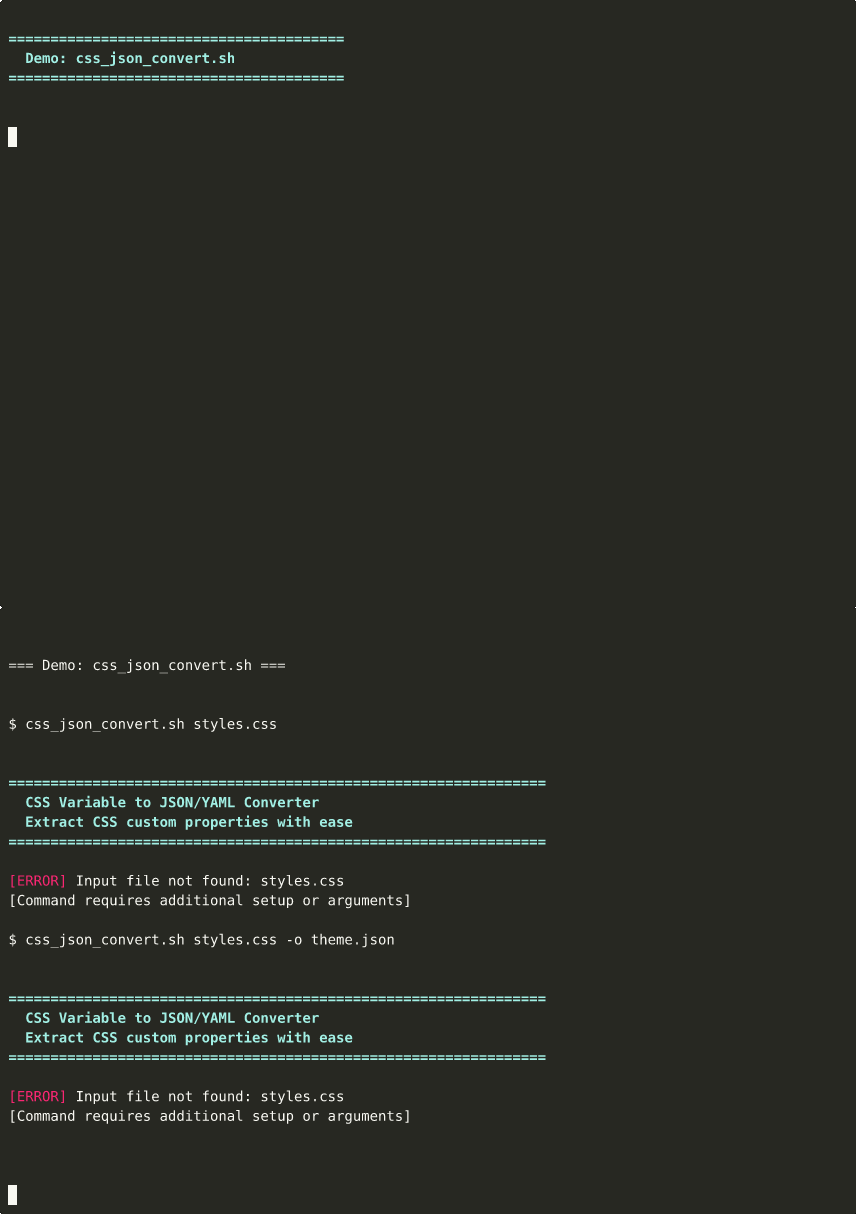
css_json_convert.sh styles.css
# Extract to JSON with custom output
css_json_convert.sh styles.css -o theme.json
# Convert variable names to camelCase
css_json_convert.sh styles.css -o vars.json --camel-case
CSS VARIABLE FORMAT:
The script extracts CSS custom properties in the format:
--variable-name: value;
Example input:
:root {
--main-color: #e8eaed;
--font-size: 16px;
}
Example JSON output:
{
"main-color": "#e8eaed",
"font-size": "16px"
}
```
### Examples
```bash
# Extract CSS vars to YAML (default)
css_json_convert.sh styles.css
# Extract to JSON with custom output
css_json_convert.sh styles.css -o theme.json
# Convert variable names to camelCase
css_json_convert.sh styles.css -o vars.json --camel-case
```
---
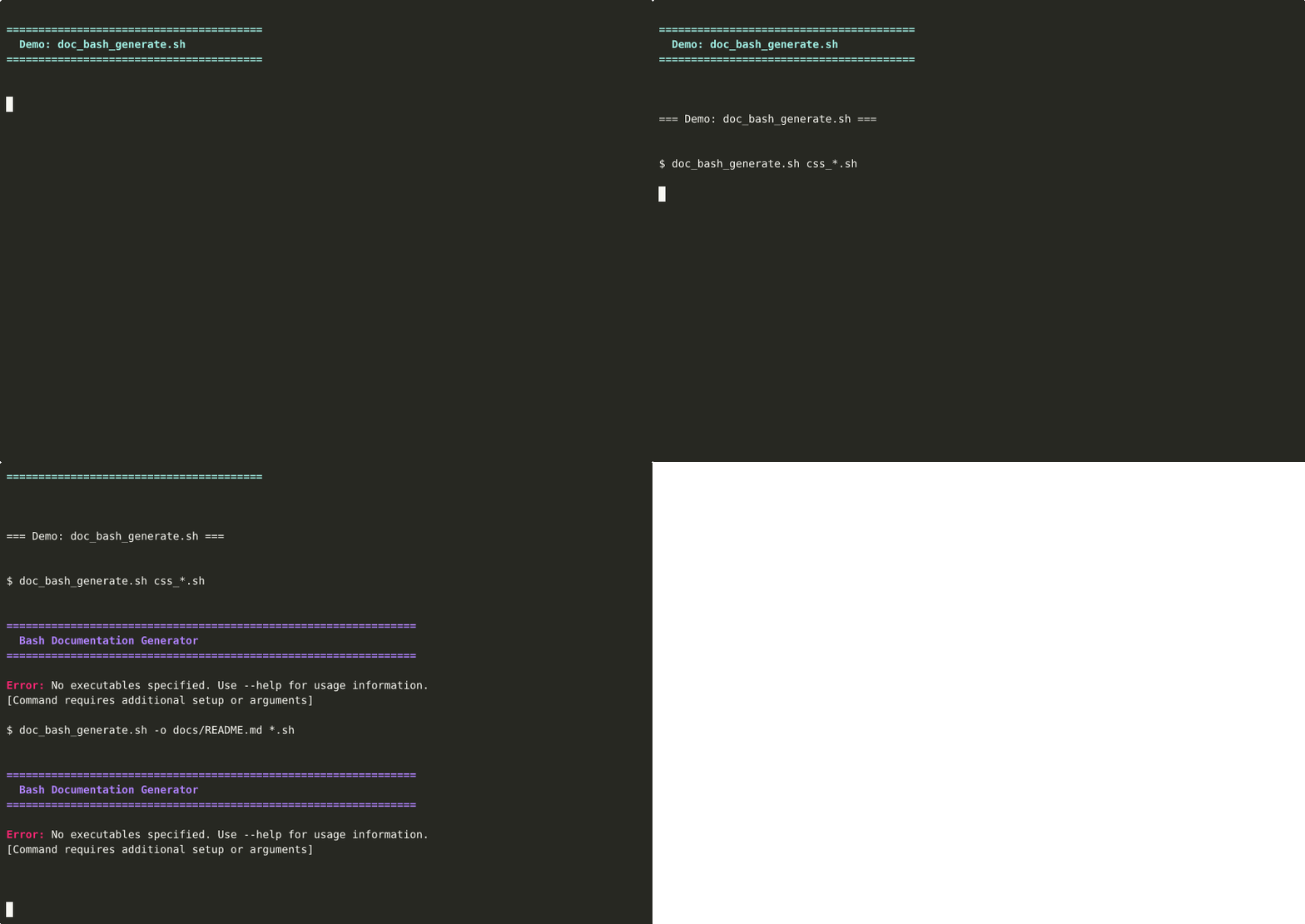
## `doc_bash_generate.sh`
Bash Documentation Generator with Animated GIFs
### Demo
### Usage
```bash
doc_bash_generate.sh [OPTIONS] [ARGUMENTS]
```
### Options
Click to expand full help output
```
================================================================
Bash Documentation Generator
================================================================
Bash Documentation Generator with Animated GIFs
Generate sexy, comprehensive README.md files with embedded asciinema GIFs.
USAGE:
doc_bash_generate.sh [OPTIONS] [executable...]
ARGUMENTS:
executable One or more executables or glob patterns
OPTIONS:
-o, --output FILE Output README.md path (default: ./README.md)
-t, --title TITLE Documentation title (default: auto-generated)
--no-gif Skip GIF generation (faster, text only)
--gif-only Only generate GIFs, don't update README
-h, --help Show this help message
EXAMPLES:
doc_bash_generate.sh css_*.sh
doc_bash_generate.sh -o docs/README.md *.sh
doc_bash_generate.sh --title "My Awesome Tools" script1.sh script2.sh
DEPENDENCIES:
asciinema Terminal session recorder
agg Asciinema to GIF converter (cargo install agg)
NOTES:
Demos are automatically generated by running --help on each command.
GIF recordings are created in a temporary directory and cleaned up after.
```
### Examples
```bash
doc_bash_generate.sh css_*.sh
doc_bash_generate.sh -o docs/README.md *.sh
doc_bash_generate.sh --title "My Awesome Tools" script1.sh script2.sh
```
---
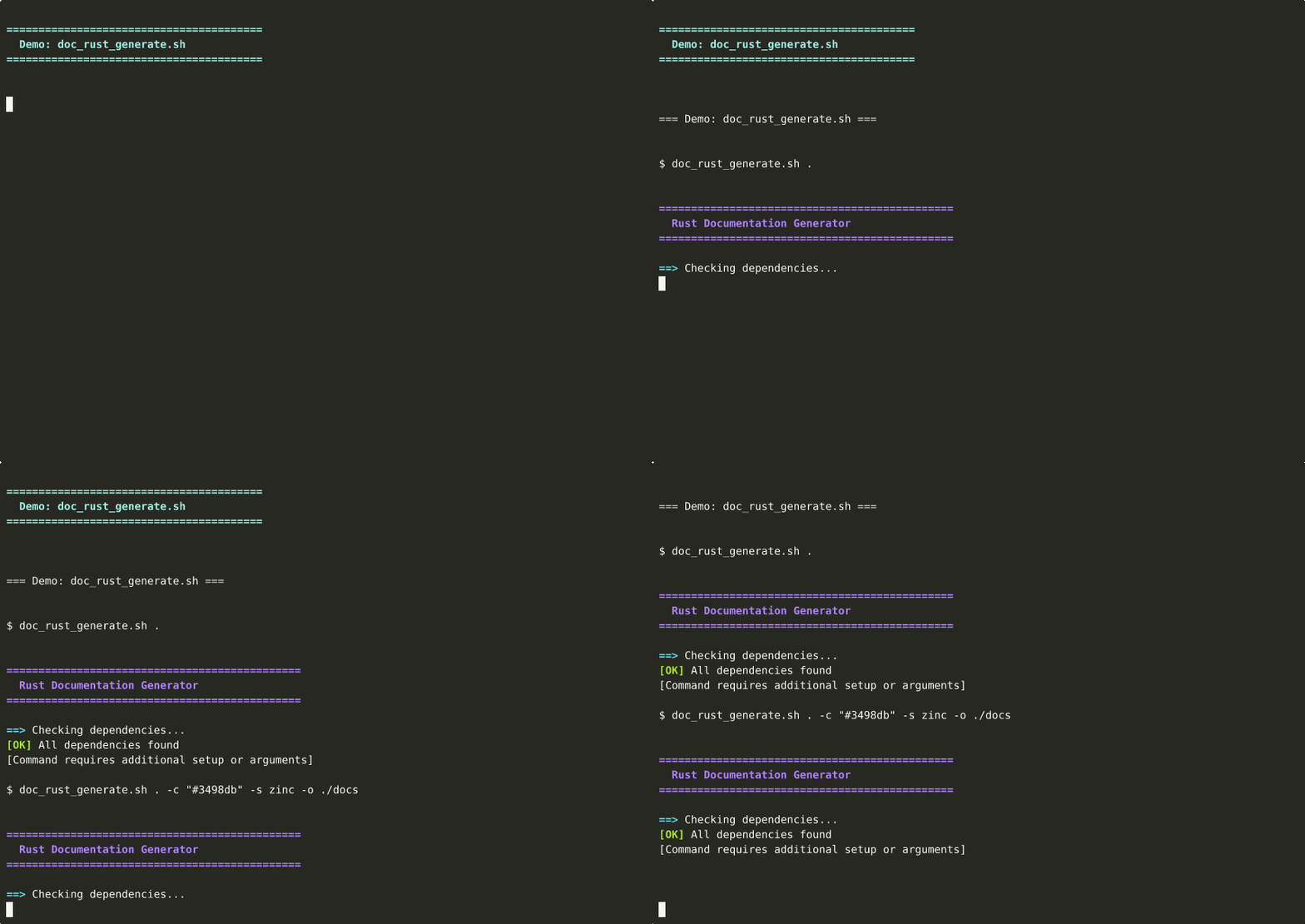
## `doc_rust_generate.sh`
Rust Documentation Generator with Custom Themes
### Demo
### Usage
```bash
doc_rust_generate.sh [OPTIONS] [ARGUMENTS]
```
### Options
Click to expand full help output
```
Rust Documentation Generator with Custom Themes
USAGE:
doc_rust_generate.sh [OPTIONS]
DESCRIPTION:
Generate beautiful Rust documentation with custom color schemes and styling.
Supports various input types including Rust projects, individual files, and more.
ARGUMENTS:
Input file(s) or pattern(s) to document:
- Rust project directories (containing Cargo.toml)
- Individual .rs files
- Markdown files (.md)
- JSON/TOML configuration files
- Glob patterns (e.g., src/**/*.rs)
OPTIONS:
-o, --output DIR Output directory for generated docs
(default: $PWD/output)
-c, --color COLOR Primary accent color (hex format)
(default: #ff69b4)
Examples: #3498db, #10b981, #8b5cf6
-s, --style STYLE Background style theme
Options: slate, zinc, neutral, stone, gray
(default: slate)
--font-sans FONT Google Font for body text (default: Inter)
--font-mono FONT Google Font for code blocks
(default: JetBrains Mono)
--serve Start HTTP server after generation
--open Open documentation in browser (implies --serve)
-p, --port PORT Port for HTTP server (default: 8000)
-v, --verbose Enable verbose output
-d, --dry-run Show what would be done without executing
-h, --help Show this help message
EXAMPLES:
# Generate docs for current Rust project
doc_rust_generate.sh .
# Custom color scheme
doc_rust_generate.sh . -c "#3498db" -s zinc -o ./docs
# Document specific files
doc_rust_generate.sh src/lib.rs src/main.rs -o ./api-docs
# Use custom fonts
doc_rust_generate.sh . --font-sans "Roboto" --font-mono "Fira Code"
# Generate and open in browser
doc_rust_generate.sh . --open
NOTES:
- Requires: cargo, rustdoc, bc, yq, jq, python3 with jinja2
- Colors are automatically generated in light and dark variants
- Google Fonts are automatically imported
- Mermaid.js diagrams are automatically rendered
```
### Examples
```bash
# Generate docs for current Rust project
doc_rust_generate.sh .
# Custom color scheme
doc_rust_generate.sh . -c "#3498db" -s zinc -o ./docs
# Document specific files
doc_rust_generate.sh src/lib.rs src/main.rs -o ./api-docs
# Use custom fonts
doc_rust_generate.sh . --font-sans "Roboto" --font-mono "Fira Code"
# Generate and open in browser
doc_rust_generate.sh . --open
```
---
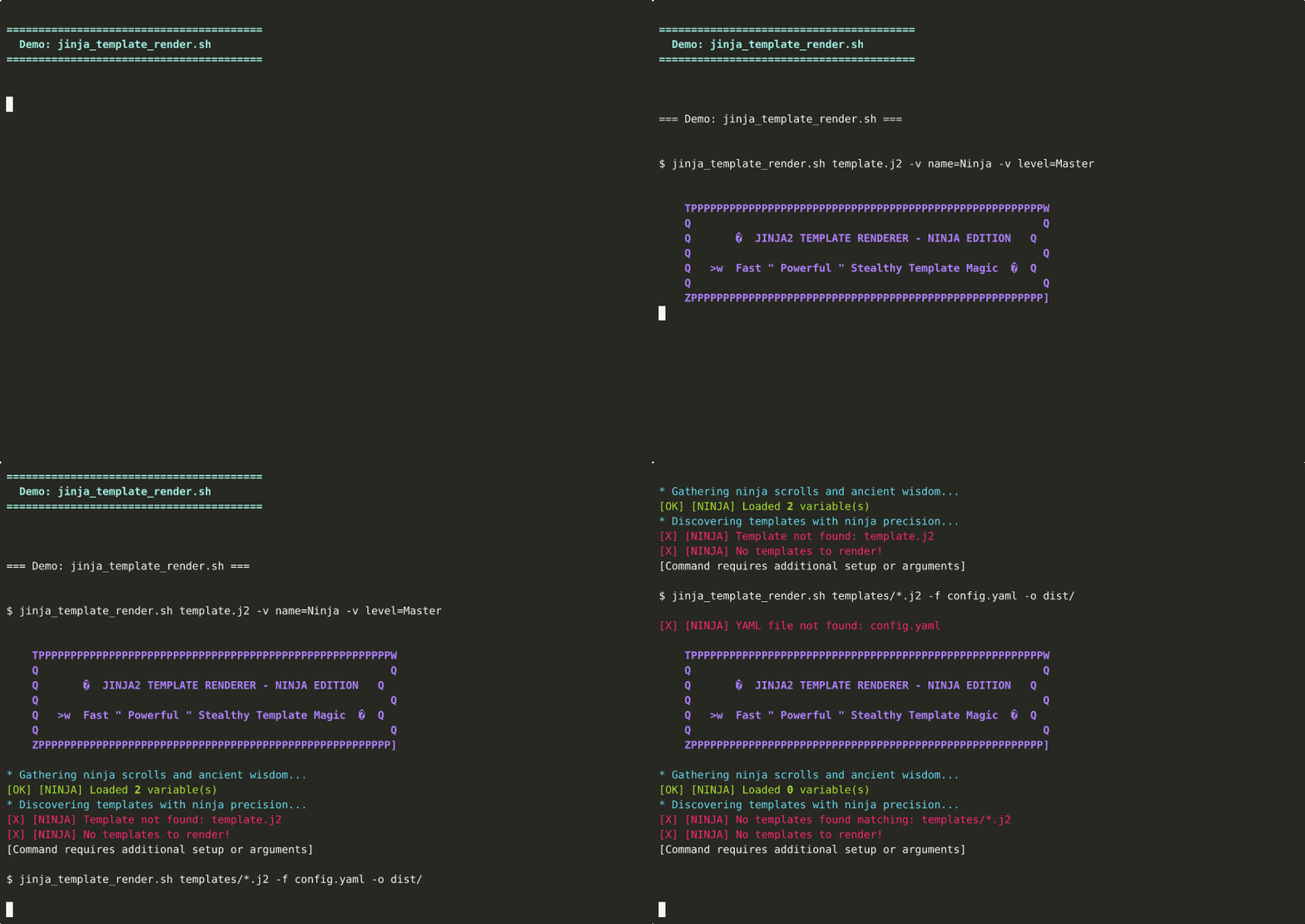
## `jinja_template_render.sh`
JINJA2 TEMPLATE RENDERER - NINJA EDITION
### Demo
### Usage
```bash
jinja_template_render.sh [OPTIONS] [ARGUMENTS]
```
### Options
Click to expand full help output
```
JINJA2 TEMPLATE RENDERER - NINJA EDITION
USAGE:
jinja_template_render.sh [OPTIONS] [template...]
DESCRIPTION:
A sophisticated Jinja2 template rendering engine with support for
multiple variable sources, glob patterns, and ninja-style operations.
ARGUMENTS:
Template file(s) to render (glob patterns supported)
Examples: template.j2, templates/*.j2, **/*.jinja2
OPTIONS:
-o, --output DIR Output directory (default: ./output)
-v, --var KEY=VALUE Define template variable (can be used multiple times)
-f, --file FILE Load variables from JSON/YAML file (repeatable)
-V, --verbose Enable verbose ninja commentary
-p, --preview Preview rendered output without saving
-s, --strict Enable strict mode (fail on undefined variables)
-d, --dry-run Perform dry run without writing files
-w, --watch Watch templates and re-render on changes (experimental)
-h, --help Show this legendary scroll of knowledge
VARIABLE SOURCES:
Variables are merged in this order (later sources override earlier):
1. YAML files (loaded via yq)
2. JSON files (loaded via jq)
3. CLI variables (-v KEY=VALUE)
EXAMPLES:
# Render single template with CLI variables
jinja_template_render.sh template.j2 -v name=Ninja -v level=Master
# Render multiple templates with YAML config
jinja_template_render.sh templates/*.j2 -f config.yaml -o dist/
# Render with multiple variable sources
jinja_template_render.sh app.j2 -f base.yaml -f env.json -v debug=true
# Preview without saving
jinja_template_render.sh template.j2 -f vars.yaml --preview --verbose
# Strict mode with dry run
jinja_template_render.sh *.j2 -f vars.json --strict --dry-run
TEMPLATE SYNTAX:
Jinja2 template example:
Hello {{ name }}!
{% for item in items %}
- {{ item }}
{% endfor %}
{% if debug %}Debug mode enabled{% endif %}
REQUIREMENTS:
- Python 3 with jinja2 package
- jq (for JSON parsing)
- yq (for YAML parsing)
[NINJA] May your templates be swift and your renders be flawless! >>
```
### Examples
```bash
# Render single template with CLI variables
jinja_template_render.sh template.j2 -v name=Ninja -v level=Master
# Render multiple templates with YAML config
jinja_template_render.sh templates/*.j2 -f config.yaml -o dist/
# Render with multiple variable sources
jinja_template_render.sh app.j2 -f base.yaml -f env.json -v debug=true
# Preview without saving
jinja_template_render.sh template.j2 -f vars.yaml --preview --verbose
# Strict mode with dry run
jinja_template_render.sh *.j2 -f vars.json --strict --dry-run
```
---
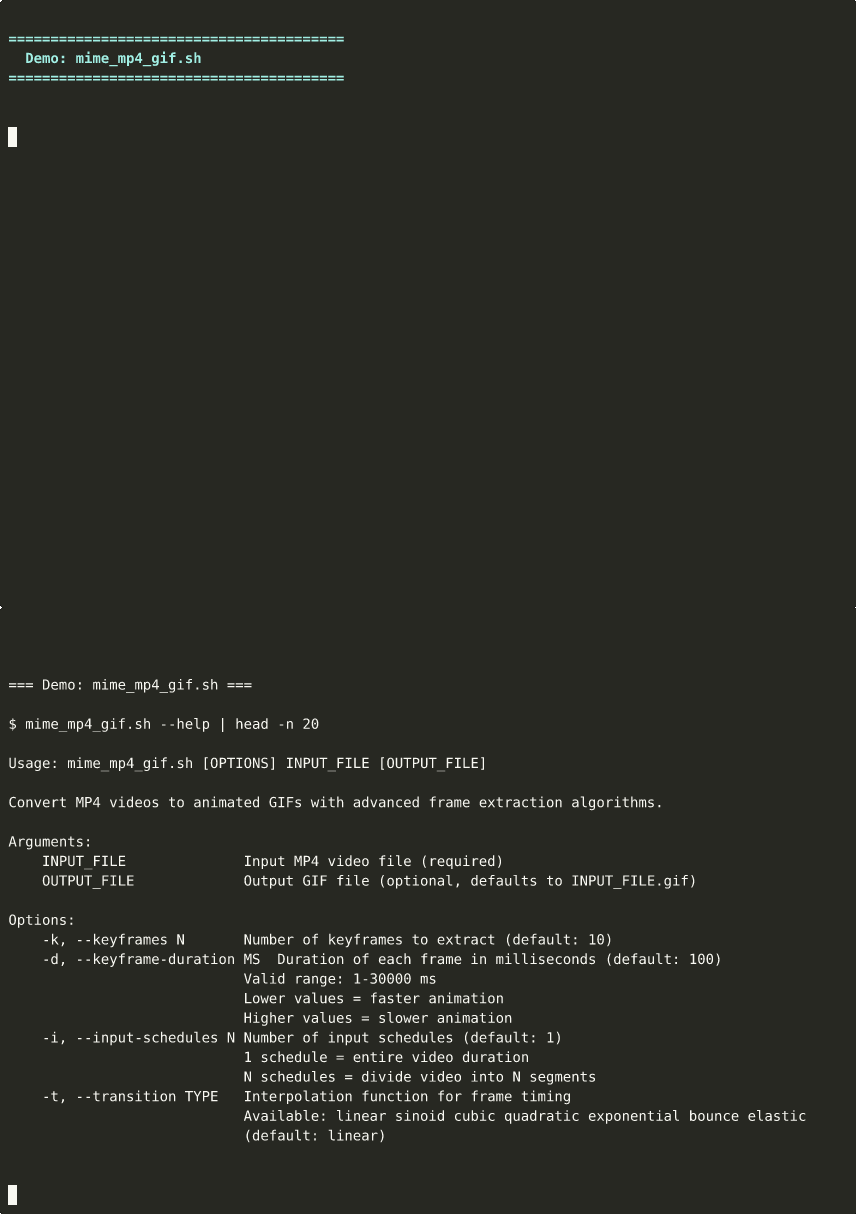
## `mime_mp4_gif.sh`
Usage: mime_mp4_gif.sh [OPTIONS] INPUT_FILE [OUTPUT_FILE]
### Demo
### Usage
```bash
mime_mp4_gif.sh [OPTIONS] [ARGUMENTS]
```
### Options
Click to expand full help output
```
Usage: mime_mp4_gif.sh [OPTIONS] INPUT_FILE [OUTPUT_FILE]
Convert MP4 videos to animated GIFs with advanced frame extraction algorithms.
Arguments:
INPUT_FILE Input MP4 video file (required)
OUTPUT_FILE Output GIF file (optional, defaults to INPUT_FILE.gif)
Options:
-k, --keyframes N Number of keyframes to extract (default: 10)
-d, --keyframe-duration MS Duration of each frame in milliseconds (default: 100)
Valid range: 1-30000 ms
Lower values = faster animation
Higher values = slower animation
-i, --input-schedules N Number of input schedules (default: 1)
1 schedule = entire video duration
N schedules = divide video into N segments
-t, --transition TYPE Interpolation function for frame timing
Available: linear sinoid cubic quadratic exponential bounce elastic
(default: linear)
-s, --schedule TYPE Algorithm to distribute keyframes across schedules
Available: uniform front-load back-load center-peak edge-peak fibonacci golden-ratio
(default: uniform)
-m, --magic TYPE Apply magical effects to the GIF
Available: none psychedelic dither-bloom edge-glow temporal-blur chromatic-shift vaporwave
(default: none)
-v, --verbose Enable verbose output
-h, --help Show this help message
Examples:
# Basic conversion with 15 keyframes
mime_mp4_gif.sh -k 15 video.mp4
# Fast animation with 50ms per frame
mime_mp4_gif.sh -k 20 -d 50 video.mp4
# Slow animation with 500ms per frame
mime_mp4_gif.sh -k 10 -d 500 video.mp4
# Use sinusoidal transition with center-peak distribution
mime_mp4_gif.sh -t sinoid -s center-peak -k 20 video.mp4
# Apply psychedelic magic with fibonacci distribution
mime_mp4_gif.sh -m psychedelic -s fibonacci -k 13 video.mp4 trippy.gif
# Complex: 3 schedules with cubic interpolation and edge glow
mime_mp4_gif.sh -i 3 -t cubic -s front-load -m edge-glow -k 30 video.mp4
```
---
## Installation
All scripts are available in this repository. Make sure they are executable:
```bash
chmod +x *.sh
```
Add them to your PATH for easy access:
```bash
export PATH="$PATH:$(pwd)"
```
## Dependencies
Common dependencies for these scripts:
- `bash` (4.0+)
- `bc` - For floating-point arithmetic
Specific dependencies are listed in each command's help output.
## Contributing
Contributions are welcome! Please ensure:
- Scripts follow POSIX conventions
- Include comprehensive `--help` output with usage examples
## License
MIT License - See LICENSE file for details.
---
*Documentation generated on 2025-10-30 02:59:22 CET by [`doc_bash_generate.sh`](https://github.com/yourusername/yourrepo)*